Single or multi-month
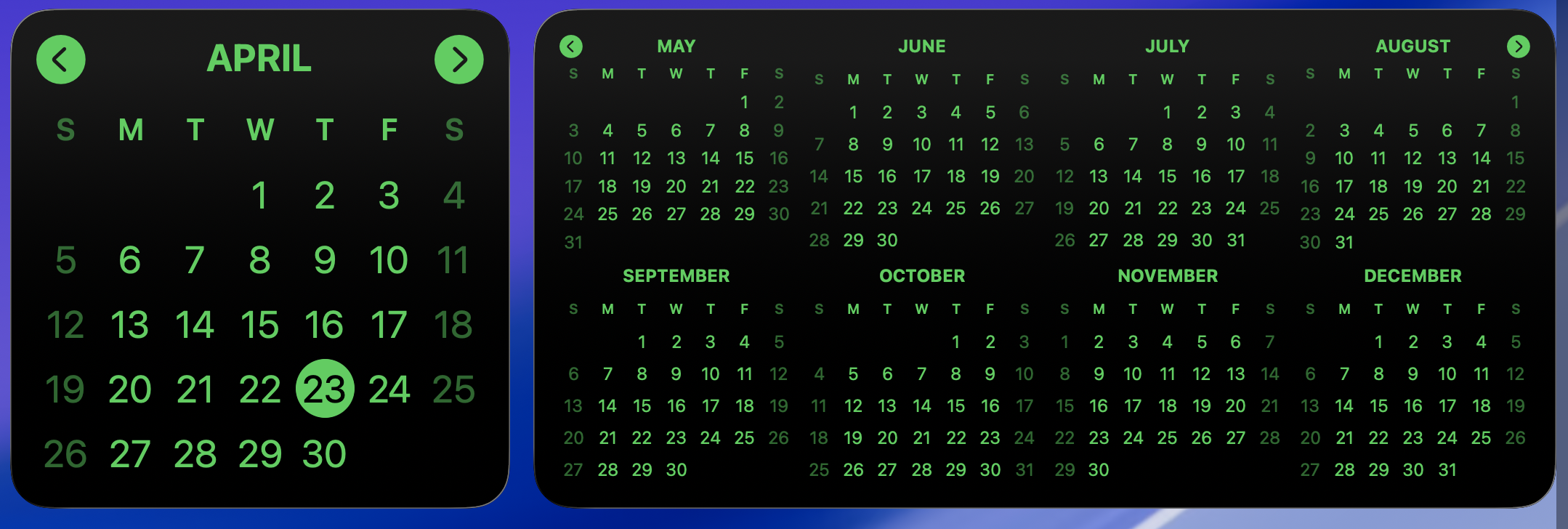
Use a compact one-month widget or a wider multi-month view when you need to perceive time as a larger, more judgmental rectangle.

Calendar Widget · macOS desktop widget · 1.1.0
A tiny macOS desktop calendar widget for people who want to know what day it is without opening a productivity suite and accepting three new terms of service.
Single month, multiple months, themes, custom colors, month flipping, and a tap that opens Calendar. Revolutionary stuff. Truly, civilization trembles.
So here's a thing for yours.
Calendar Widget puts a simple calendar on your Mac desktop. Pick the layout and colors, glance at the month, move on with your life.
It is not a team planning platform. It is not a second inbox. It is a calendar widget, because sometimes the correct amount of software is less software.
Use a compact one-month widget or a wider multi-month view when you need to perceive time as a larger, more judgmental rectangle.
Theme presets and custom colors let it fit your desktop instead of arriving dressed like enterprise software at a birthday party.
Flip through months without opening Calendar just to answer “what day is the 17th?” like some kind of scheduling archaeologist.
Tap it and macOS Calendar opens. Not because we are trying to become your calendar app. We are explicitly not doing that.
The app checks for updates on its own. Use Check for Updates, or let it check quietly in the background like a polite raccoon.
The current direct download requires macOS 14.6 or newer. Older Macs can stare at a paper calendar, which honestly still works.
No login, no cloud dashboard, no analytics funnel. The app runs locally and leaves you alone, a bold and suspicious design choice.